
How to Search Lee County Court Records
The main tool is the Clerk's Court Records Inquiry, also called MATRIX or CRI. The portal is free. It runs around the clock. It works on a phone, a tablet, or a desktop. The site lets a user search by name, by case number, by citation number, or by date range. A user can also switch to a hearing calendar view to find scheduled court events. Access tiers vary. Anonymous public users see most non-confidential filings. Registered users see more in family, probate, and guardianship. Parties and their attorneys see the most through a verified account.
Before starting, gather a name with correct spelling, the case number if known, or the citation number for a traffic ticket. Dates should be in MM/DD/YYYY format. Wildcards help. An asterisk at the end of a last name pulls back partial spellings. The Clerk's court case records page explains access levels and a few quirks before the search begins.
- Open the Lee Clerk Court Records Inquiry in any browser.
- Decide between a case search and a hearing calendar search. Check View Court Calendar for hearings.
- Pick one or more case types from the checkbox list, or use Check/Uncheck All.
- Enter a name, a case number, a citation number, a date range, or a mix of fields.
- Use MM/DD/YYYY for any date. Add an asterisk to a partial name for wildcard matching.
- Click Search. Case results cap at 500 records and hearing results cap at 200.
- Open a case to view the docket. If a document is marked Viewable on Request, submit a VOR request for Clerk review.
Lee County Court Records Search Fields
The MATRIX form keeps the input list short. Each field has a purpose. Some accept wildcards. None of them require a login on their own, but full document images often do. The table below mirrors the fields that show on the public search page.
| Field Label | Type | Required | Notes / Format |
|---|---|---|---|
| View Court Calendar | Checkbox | No | Switches to hearing search. Default range is today through one year out. |
| Case Types | Checkbox group | No | Felony, Misdemeanor, Circuit Civil, County Civil, Probate, Traffic, Small Claims, and more. Use Check/Uncheck All. |
| First Name | Text | No | Place an asterisk here to search by last name only. |
| Middle Name | Text | No | Use for a more specific match on a common name. |
| Last Name | Text | No | Wildcard supported. Add an asterisk at the end for partial spelling. |
| Case Number | Text | No | Exact case number, when known. |
| Citation Number | Text | No | Used for traffic and citation lookups. |
| Date From | Date | No | MM/DD/YYYY. Pairs with Date To. |
| Date To | Date | No | MM/DD/YYYY. Sets the end of a filing or hearing range. |
Types of Lee County Court Records
The Clerk holds case files for both the Circuit Court and the County Court. The Circuit Court handles felonies, family, probate, guardianship, juvenile, mental health, and higher-dollar civil. The County Court handles misdemeanors, civil traffic, small claims, ordinance, and lower-dollar civil. Each case type maps to a filter in MATRIX. Some types open up online. Others are limited by law.
Civil cases run a wide range. So do family and criminal. Knowing the type helps narrow a search.
- Circuit civil and County civil: complaints, summons, motions, orders, and judgments.
- Felony, misdemeanor, and criminal traffic: charging papers, plea forms, sentences, and probation orders.
- Domestic relations: divorce, paternity, custody, support, and injunctions for protection.
- Probate and guardianship: estate openings, inventories, accountings, and orders.
- Traffic infractions, parking, and ordinance cases routed through the Lee County traffic court.
- Appeals from County Court to Circuit Court and from trial courts to the District Court of Appeal.
What Lee County Court Records Show
A typical Lee County court record opens with a case header. The header shows the case number, the filing date, the parties, and the case type. Below the header sits the docket. The docket is a running list of every event in the case. Each docket entry has a date, an event code, and a short description. Many entries link to a document image. Others are text-only entries for court events like a continuance, a status check, or a fine payment.
Sample case-record fields look like this in MATRIX.
| Field | What It Shows |
|---|---|
| Case Number | Unique case ID, often year plus type plus sequence, such as 26MM022093 for a misdemeanor. |
| Filing Date | Date the case was opened with the Clerk. |
| Case Type | Felony, misdemeanor, civil, family, probate, traffic, or other listed type. |
| Parties | Plaintiff, defendant, petitioner, respondent, and attorneys of record. |
| Charges or Counts | For criminal cases, the statute or ordinance and the count number. |
| Hearing Date | Next or past hearing on the case calendar. |
| Disposition | Outcome of each charge or claim, including dismissals and withholds. |
| Docket Entries | Chronological list of filings, orders, and case events. |
| Documents | PDF images of public filings, subject to access level. |
| VOR Status | Flag on documents that need Clerk review before public release. |
Public, Registered, and Party Access
MATRIX uses tiered access. The Florida Supreme Court set the rules in administrative orders and the Access Security Matrix. The Clerk follows them. A public user gets the broadest pool of cases but a narrower set of documents. A registered user signs up for free and unlocks more images in family, probate, and guardianship. A party or counsel gets the most through a verified account tied to the case.
Party access takes a short application. The form goes to the Clerk by email at CRIaccounts@leeclerk.org, by mail to P.O. Box 3207, Fort Myers, FL 33902, or in person at the Courts Customer Service Counter at 2075 Dr. Martin Luther King Jr. Boulevard. Notary details and a valid email are needed. The Clerk usually responds within 48 business hours. Once approved, the party can view documents that the general public cannot see in some Domestic Relations, Circuit Civil, and County Civil cases.
Business-name searches need a free registered account. Hover tips on each field add format hints. More specific input returns faster results.
Viewable on Request and Confidential Documents
Not every filing opens with one click. Some Lee County court records carry a Viewable on Request flag, also called VOR. The flag means the Clerk needs to review the filing before public release. A staff member checks for confidential or exempt content under Florida Rule of General Practice and Judicial Administration 2.420. After review, the Clerk releases the redacted or full copy. The wait is short for most filings.
A separate group of records stays confidential by law. Florida Statutes § 985.04 limits juvenile justice records. Section 63.162 closes adoption files. Section 394.4615 protects mental health clinical records. Many family filings carry partial restrictions, even when the case is open. Sealed cases are blocked from public view by court order. The Lee County court records search still lists juvenile, mental health, probate, and guardianship as case types, but the system returns limited results for general public users.
A lead-in to the statute text helps. The Florida Senate hosts the official copy of § 119.0714 for court files, court records, and official records.
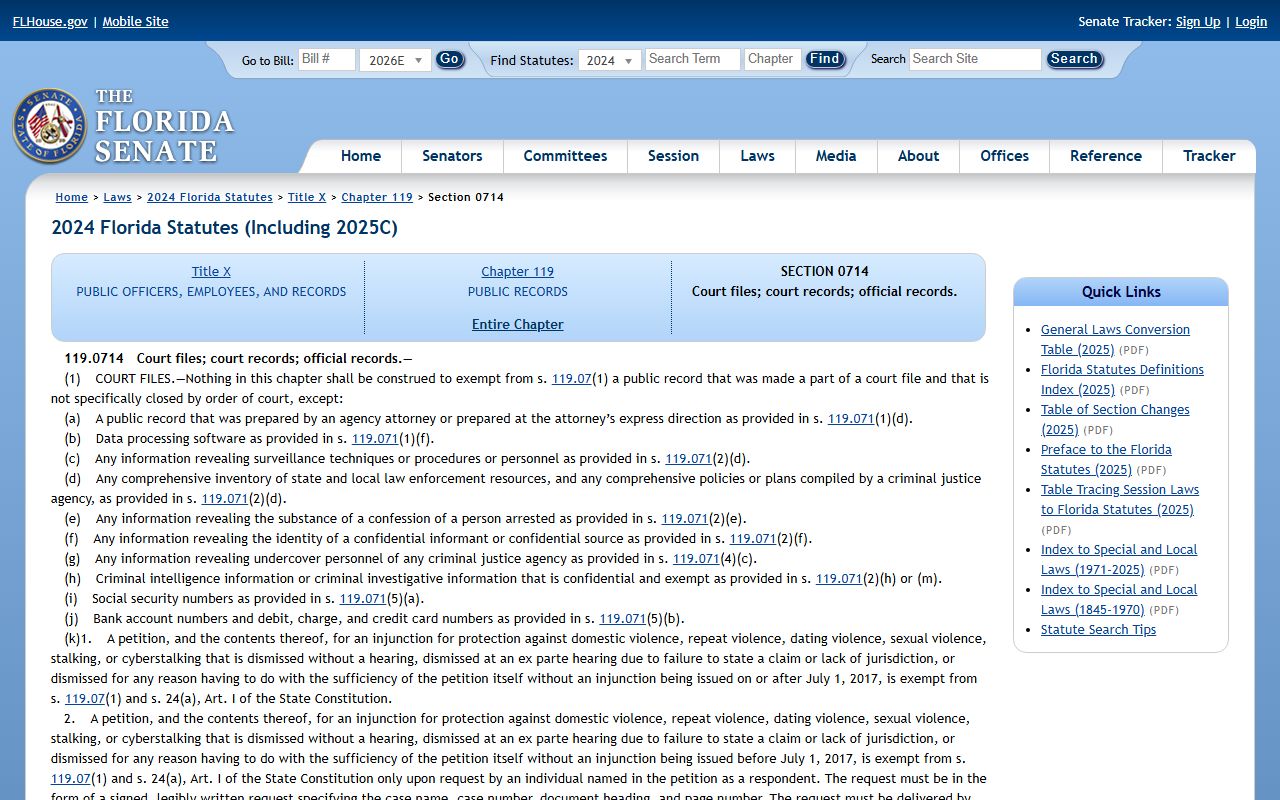
The statute explains why some items in a Lee County court record stay open while others get redacted at the filing stage.
Lee County Court Records Fees and Certified Copies
Viewing a Lee County court record online is free. Copies cost money. The Clerk charges a per-page fee for plain and certified copies, plus a flat certification fee. An electronic certified copy carries a small vendor add-on. The amounts come straight from the Clerk fee schedule and Florida Statutes § 28.24.
| Item | Fee |
|---|---|
| Copy per page (paper) | $1.00 |
| Certification of a document | $2.00 per certification |
| E-Certified court document | $8.00 ($2 statutory + $6 vendor) |
| E-Certified official record | $8.00 ($2 statutory + $6 vendor) |
| Driving history record (full) | $16.25 |
| Notice of Appeal, County Court to Circuit Court | $281.00 |
| Notice of Appeal to District Court of Appeal | $100.00 |
The lead-in for the next image points to the statute behind these amounts. Florida Statutes § 28.24 sets Clerk service charges across the state.
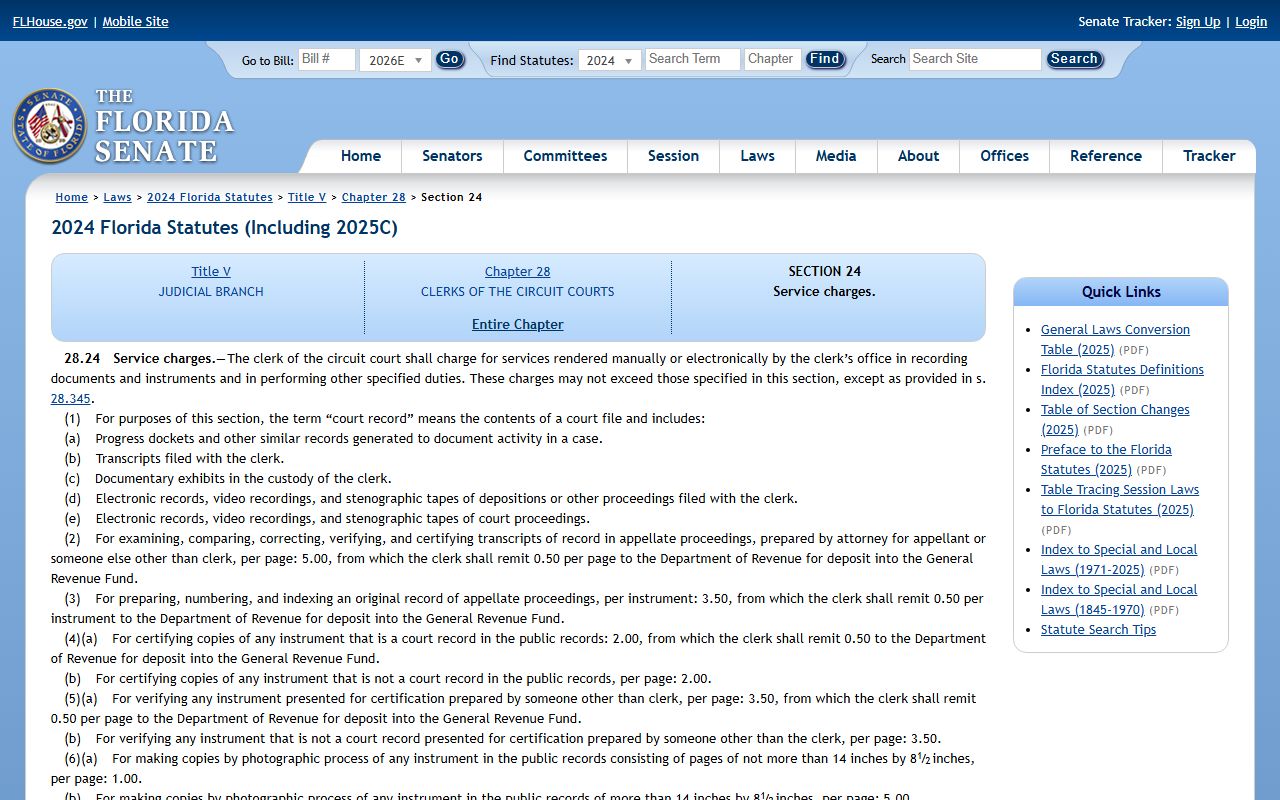
E-certification arrived for Lee County court records in recent years, so a person can verify a digital copy without a trip to the courthouse. The Clerk also runs a verify tool for any e-certified document.
Older Records and Civil Traffic Retention
Older Lee County court records may not appear online. Florida Rule of General Practice and Judicial Administration 2.430 sets retention rules. Lee Clerk applies the rule to civil traffic and parking ticket case images. The Clerk removes images from the public site once the case is closed, final, and financially satisfied, and at least 14 months and 426 days have passed. The case summary and progress docket remain available on request.
A few items can help when an older Lee County court records search comes up empty. Try a wider date range. Search by case number rather than name. Call the Clerk's office. Submit a public records request for older paper or microfilm content. The Clerk's Records Request System handles court, official, and bulk data requests in one place.
Note: Civil traffic case images drop off the public site after the 14-month and 426-day audit period, but the summary docket stays available.
Public Access Laws
Florida is an access-forward state. The Florida Constitution opens with broad public-records language. The Legislature then layers Chapter 119 for agencies and the Supreme Court's Rule of Judicial Administration 2.420 for courts. Lee Clerk applies both. The Clerk uses Chapter 119 logic for general office records and Rule 2.420 logic for case files. A request for a sealed court filing goes to the court, not the Clerk, because a judge sealed it.
The next image points to the foundation. The state's policy on public records sits in § 119.07, which covers inspection, copying, and fees.
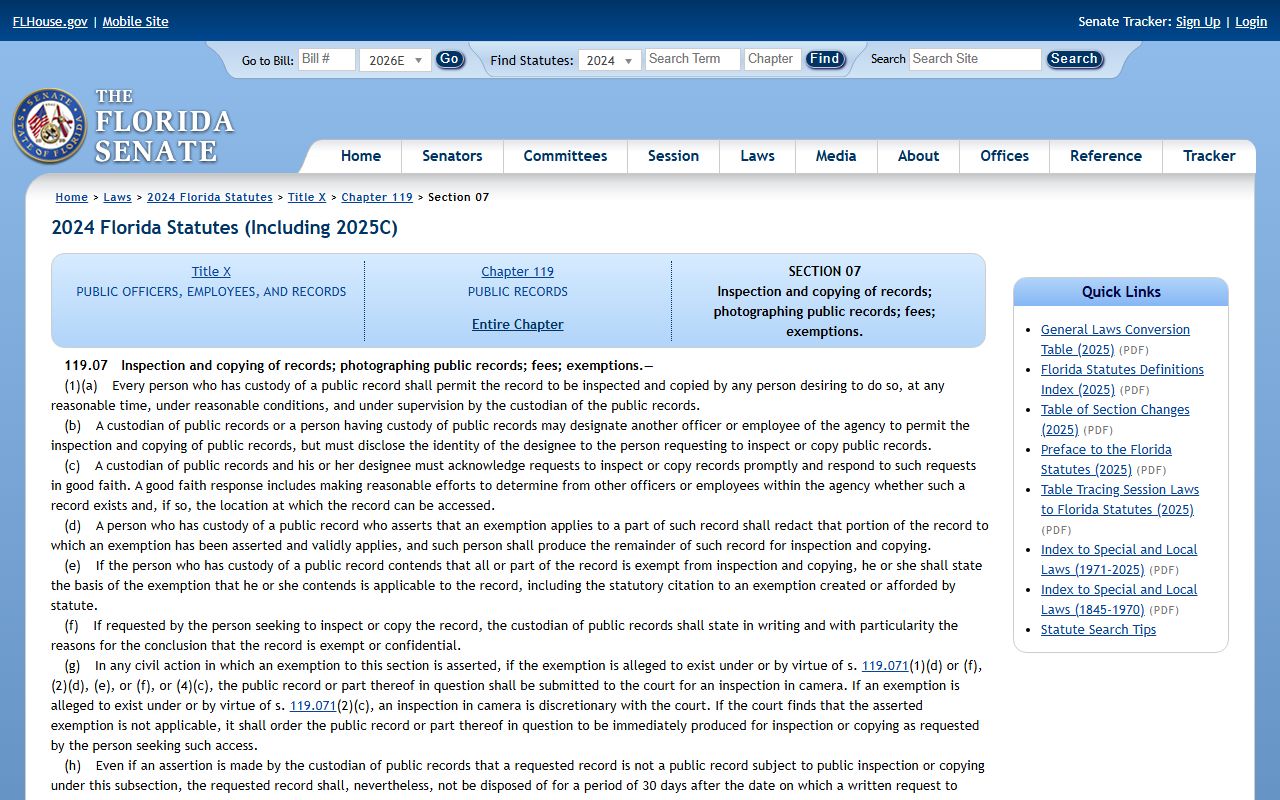
The statute pairs with court rules. Each one has its own scope.
Key Statutes for Lee County Court Records:
- Florida Statutes § 119.0714: court files, court records, and official records. Limits Social Security and account numbers in recorded documents.
- Florida Statutes § 28.24: Clerk service charges for copies, certifications, recording, and court services.
- Rule 2.420: judicial branch access, confidential information, and the sealing framework.
- Florida Statutes § 119.01: state policy that public records are open for inspection and copying.
In-Person Court Record Requests
Most users finish a Lee County court records search online. Some need an in-person visit for a certified paper copy, a sealed-file motion, or a complex multi-case pull. The main court counter sits on the first and second floors of the Justice Center in downtown Fort Myers. The Cape Coral branch handles many of the same tasks for residents on that side of the county.
Lee County Clerk of Court (Justice Center)
2075 Dr. Martin Luther King Jr. Blvd
Fort Myers, FL 33901
(239) 533-5000
Lobby until 5:00 p.m.; Call Center 8:30 a.m.–4:45 p.m.
Common Questions About Lee County Court Records
A few questions come up again and again. Short answers follow. The full Lee County court records FAQ covers many more.
Are Lee County court records free to search? Yes. The Clerk's MATRIX portal is free for case and hearing searches. Copies and e-certified documents carry a fee.
Why does a juvenile or adoption case not show up? State law makes those files confidential. Section 985.04 covers juveniles. Section 63.162 covers adoption. Both block general public access.
How do I get a certified copy of a Lee County court order? Order through the Clerk of Court in person, by mail, or as an e-certified file. The fee is $1 per page and $2 per certification, or $8 flat for e-certified.