
How to Find Lee County Court Dockets
The Lee County Clerk runs the main docket and calendar tool. It is called Court Records Inquiry, but most people know it as MATRIX. The site is free, open 24/7, and works on a phone or tablet. To search hearings rather than cases, switch the form into calendar mode by checking the View Court Calendar box. Hearings come back as a list of court dates. Cases come back as a list of dockets you can open.
- Open the Clerk portal at https://matrix.leeclerk.org/.
- Check the View Court Calendar box to switch the form into hearings mode. Leave it unchecked to search the case docket.
- Pick one or more case types from the checkbox list, or use Check All. Case types include Felony, Misdemeanor, Circuit Civil, County Civil, Probate, Small Claims, Traffic Infraction, and more.
- Type a last name, first name, case number, or citation number. Use an asterisk at the end of a name to find spelling variants. To search by last name only, put an asterisk in the First Name field.
- Enter Date From and Date To in MM/DD/YYYY format. In calendar mode the default is today's date through one year out.
- Click Search. Case results cap at the first 500. Hearing results cap at the first 200.
- Open a case to see the full docket of filings, motions, hearings, orders, and disposition entries.
If a document is marked Viewable on Request, the Clerk has to review it before public release. Family, probate, guardianship, juvenile, and mental health cases return limited results for general public users. Parties and registered users can see more. For broader case-record help, the Lee County court records page covers the full search workflow.
What a Lee County Court Docket Contains
A docket is a running log. Each line is one event in the case. Some lines are filings the parties drop in. Other lines are orders or notes the judge or clerk enters. A docket shows what was filed and when, but not always the full text of each paper. Many filings link to a viewable image, while some require a request or a registered account. The fields below show what a typical Lee County docket entry includes.
| Field | What It Shows |
|---|---|
| Filing Date | The date the paper was filed or the event was logged. Sorted in date order on the docket. |
| Event Type | What kind of entry it is. Examples: Complaint, Motion, Order, Notice of Hearing, Disposition. |
| Party Filing | Who filed the paper. The plaintiff, petitioner, defendant, respondent, state, or court. |
| Document Link | A link to the image, when access level allows. Some are marked Viewable on Request. |
| Status | Public, confidential, sealed, or VOR. Sealed and confidential items do not show document images. |
The case number sits at the top of the docket. Lee County misdemeanor case numbers look like 26MM022093 (year plus case-type code plus a sequence). Other case types use other codes. The docket also shows the parties, the assigned judge or division, the filing court, and bond or hearing info when set.
Court Calendar Search vs Case Search
The MATRIX form has two modes. Calendar mode finds hearings on a date range. Case mode finds case dockets by party or case number. Both pull from the same Clerk system, but the result lists and limits differ. Pick the mode that matches what you need.
| Calendar Mode | Case Mode | |
|---|---|---|
| Trigger | Check View Court Calendar | Leave the box unchecked |
| Returns | Scheduled hearings and court events | Case-level dockets |
| Default Date Range | Today through one year ahead | No default range; enter as needed |
| Result Limit | First 200 hearings | First 500 cases |
| Best Use | Find an upcoming court date | Pull the full docket of a known case or party |
| Date Format | MM/DD/YYYY | MM/DD/YYYY |
Tip: narrow the case-type filter and add a date range to stay under the result cap. Calendar mode can go as far back as case history allows and as far forward as hearings are set in the case-management system.
Reading Hearings and Court Events
A docket entry uses short labels for common court events. The terms below show up again and again in Lee County dockets. Learn the basics and most entries make sense at a glance.
- Hearing
- A scheduled court appearance on a motion, status, plea, trial, or other matter. The notice of hearing lists the date, time, and courtroom.
- Arraignment
- The first criminal hearing. Charges are read and the defendant enters a plea.
- Motion
- A written request asking the judge to order something. Motions show as filings and often trigger a hearing.
- Order
- The judge's written decision or directive. Orders close motions, set conditions, or move the case along.
- Continuance
- A postponement of a court event. A continuance moves the hearing to a later date.
- Disposition
- The outcome of a case or charge. Disposition entries cover plea, verdict, dismissal, or sentence.
- Capias
- A court order directing arrest, often after a failure to appear. Capias entries can also link back to warrant records.
Which Lee County Courts Publish Online Dockets
Lee County sits inside the Twentieth Judicial Circuit. Both the Circuit Court and the County Court file their cases through the Lee County Clerk, and both feed the same MATRIX docket system. That means most public-facing court dockets in Lee County come from one place.
For context on Florida's court layout, the state courts landing page lays out the full system. The image below comes from that official page and shows where Circuit and County Courts sit in the structure.
Florida court structure overview from flcourts.gov:
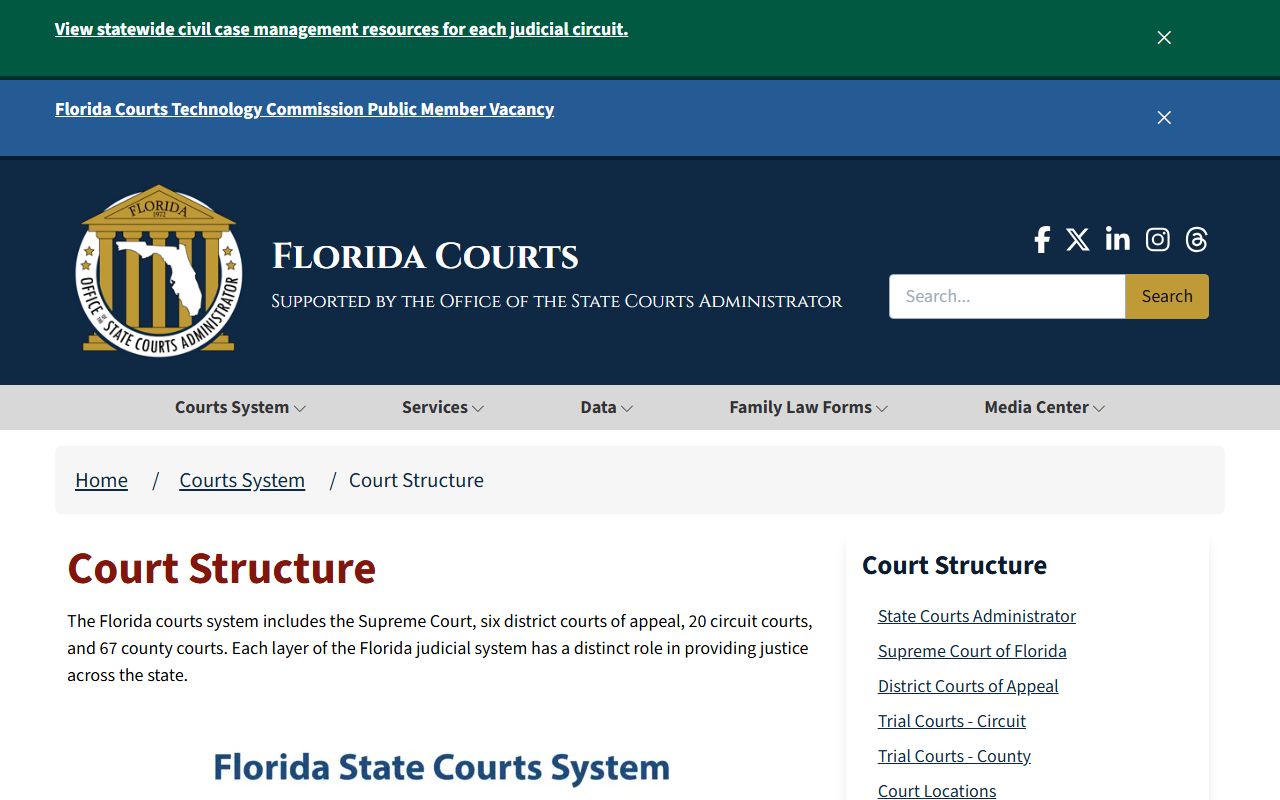
That page helps explain why the same Clerk portal carries felony dockets, traffic dockets, probate dockets, and small claims dockets side by side. Different divisions, one Clerk, one search.
- Circuit Court divisions in Lee County: Felony, Circuit Civil, Probate, Guardianship, Domestic Relations, Juvenile, and Mental Health.
- County Court divisions in Lee County: Misdemeanor, County Civil, Small Claims, County Ordinance, and Traffic Infraction.
- Appeals from County Court to Circuit Court, and Circuit Court appeals to the Second District Court of Appeal, show as a separate Appeals case type.
Federal cases are not in the Clerk system. Lee County federal matters route through the U.S. District Court for the Middle District of Florida and PACER.
Traffic and Criminal Dockets
Traffic and criminal dockets are the busiest case types in Lee County. The Clerk groups them under several MATRIX filters so the right docket comes up fast. Pick the filter that matches the charge or the citation.
- Adult - Felony. Felony cases in Circuit Court. Includes the charging information, bond orders, arraignment, motions, plea, and sentence.
- Misdemeanor. County Court criminal cases below the felony line. Battery, theft below the felony cutoff, DUI, and many drug counts.
- CriminalTraffic. Traffic offenses that carry criminal exposure, such as DUI, driving with a suspended license, and leaving the scene.
- Traffic Infraction. Civil traffic. Speeding, red light, seat belt, and other non-criminal moving and non-moving violations.
- Non Criminal Infraction. Non-criminal local code or ordinance counts that move through County Court.
- Parking Ticket. Local parking citations.
- County Ordinance / Municipal Ordinance. Code-enforcement and city ordinance counts.
- Detention Hearing. Custody-status hearings for arrested defendants.
Older civil traffic and parking records. Under Florida Rule of General Practice and Judicial Administration Rule 2.430, the Clerk removes civil traffic and parking case images from the public website once the case is closed, final, financially satisfied, and past the 14-month / 426-day retention window. The case summary and progress docket can still be requested from the Clerk at no cost.
For a deeper walkthrough of citations, fines, and traffic-school options, see Lee County traffic court records. For arrest data and booking info, see arrest records.
Court Date Alerts and eNotify
Court dates change often. Hearings get reset, judges shift the calendar, and parties file motions that move the next date. The state runs a free alert tool that sends email or text reminders when a Lee County court date is set or changed. The tool is eNotify, run by the Florida Courts.
Free Florida Courts eNotify court-date alerts at enotify.flcourts.org:
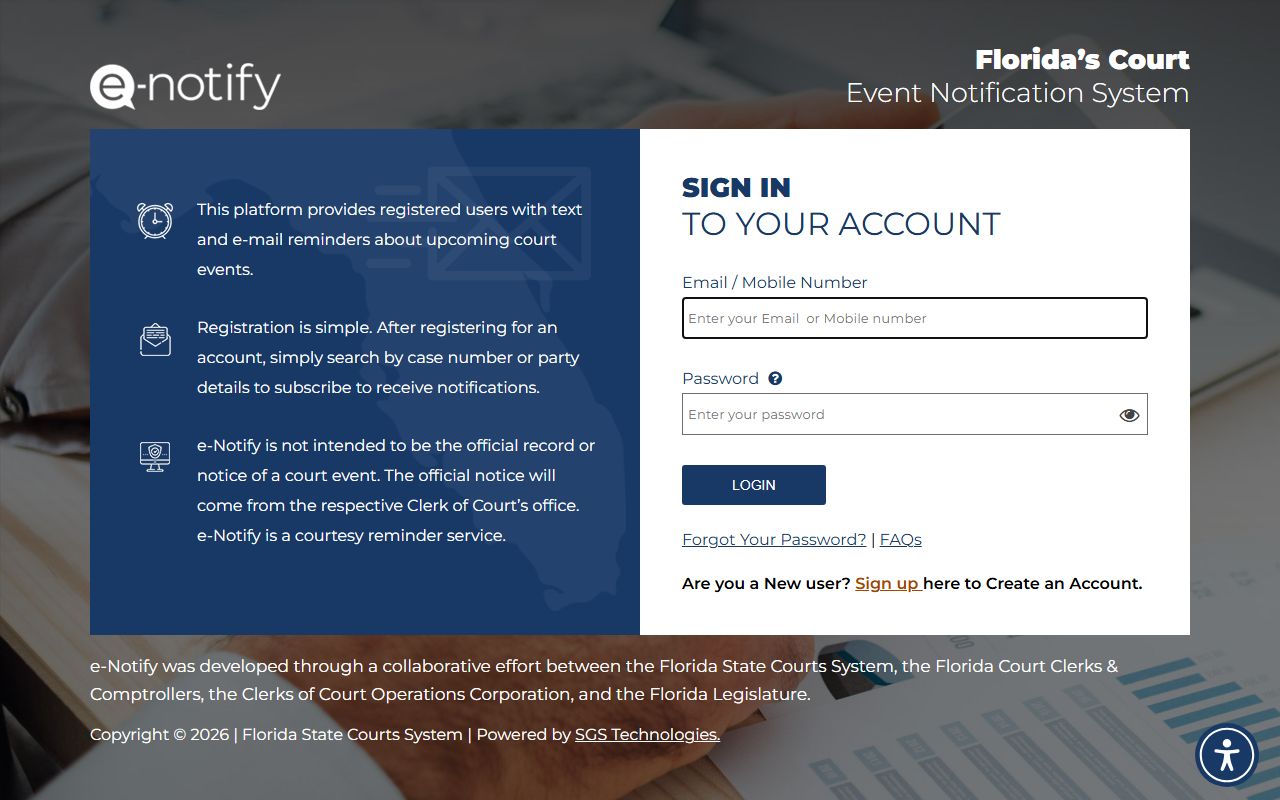
Sign up with a name and a case number or a party identifier. The tool then pushes a message any time a hearing is set, reset, or canceled. It is the simplest way to keep up with a Lee County case without checking MATRIX day after day. Attorneys, parties, victims, and family members all use it.
- URL: https://enotify.flcourts.org/.
- Cost: free.
- Format: email or text.
- Coverage: Florida trial courts, including the Twentieth Judicial Circuit in Lee County.
Pair eNotify with MATRIX. Use MATRIX to find the case, then use eNotify to track the next court date. That way a missed notice does not turn into a missed hearing.
Clerk Support and Customer Service
The Lee County Clerk of the Circuit Court & Comptroller runs the docket system and answers calls about case records. Staff can help with how to use MATRIX, how to file a request, and how to find a paper document. Clerk staff cannot give legal advice.
- Main phone: (239) 533-5000.
- Call center hours: Monday through Friday, 8:30 a.m. to 4:45 p.m. Lobby open until 5:00 p.m.
- Civil: option 3. Circuit and County civil matters.
- Felony: option 2. Circuit criminal cases.
- Misdemeanor / Ordinance: option 2. County criminal and ordinance cases.
- Domestic Violence / Injunction: option 4.
- Probate / Guardianship / Mental Health: option 5.
- Juvenile: option 6.
- Justice Center: 2075 Dr. Martin Luther King Jr. Boulevard, Fort Myers, FL 33901.
Full Clerk address details, hours, and department mailboxes live on the Lee County Clerk of Court page. For probate-specific docket help, see probate records.
Common Questions
Why can I see a hearing but not the document for it? Many cases have public docket entries but limited document images. Family, probate, guardianship, juvenile, and mental health files all have access limits. Some filings are also marked Viewable on Request and need Clerk review before release.
How far back do Lee County dockets go online? The MATRIX system shows what is in the Clerk's case-management database. Older civil traffic and parking case images come off the public site after the retention window closes, but the case summary stays on file with the Clerk.
Is there a fee to search dockets? No. The MATRIX search is free. Fees apply only when you order a certified copy or an e-certified document. More answers are on the site FAQ.